Website blacklisting. A compromised site may not always show obvious signs to you or your customers. SEO ONE Security & Malware helps you scan your website for potential security problems before they become bigger problems.
SEO ONE helps you analyze your social media presence and identify areas that may need attention.
Free to start • No credit card required
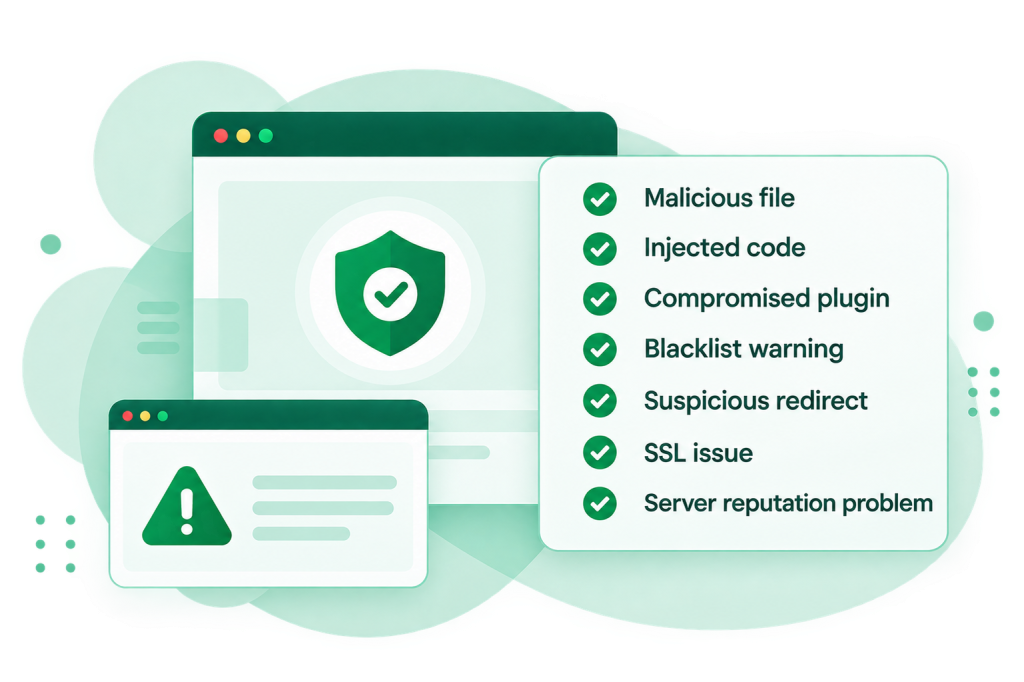
A website can load normally and still have a problem. You may not see:
If everything appears normal, you may assume everything is fine. SEO ONE gives you another way to check.
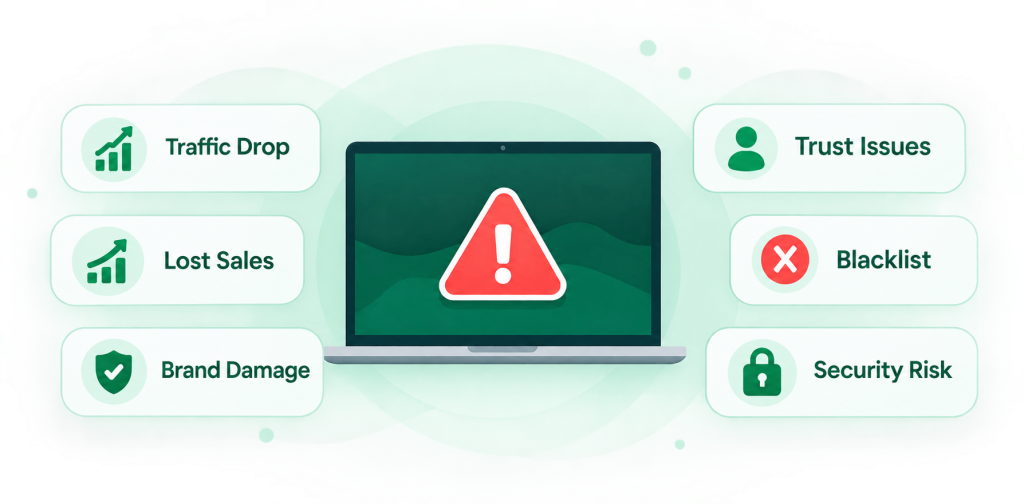
A compromised website can create problems across your entire business.
It can affect:
SEO ONE helps you identify warning signs earlier.
Malware can be introduced through:
SEO ONE helps scan your website for indicators of malware and suspicious activity.
Some website compromises involve files that shouldn’t be there.
A malicious file may be hidden inside:
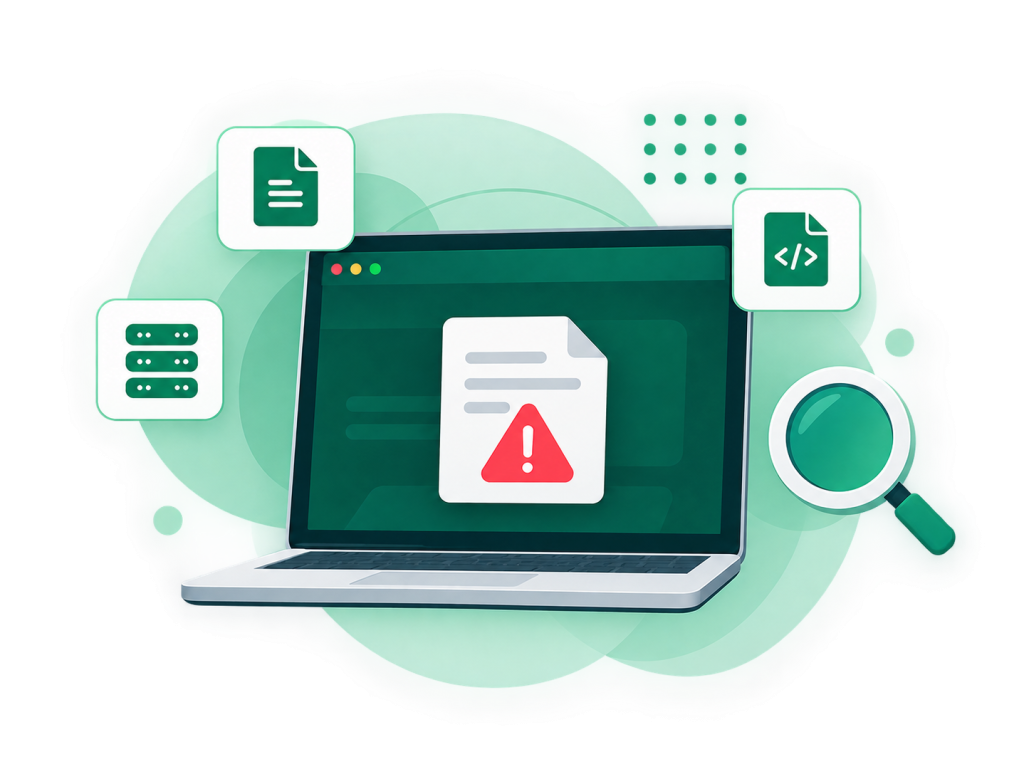
Imagine cleaning an infected website but missing one malicious file. The site may look fixed. Then the problem returns.
That one leftover file may allow attackers to re-enter the site or restore malicious code.
SEO ONE helps identify suspicious files so your developer or security team has more information to work with.
Visitors expect to see a secure connection.
Your website should load using:
with a valid SSL certificate.
SSL helps encrypt the connection between the visitor and your website.
SEO ONE checks your SSL status so you can identify potential certificate problems.
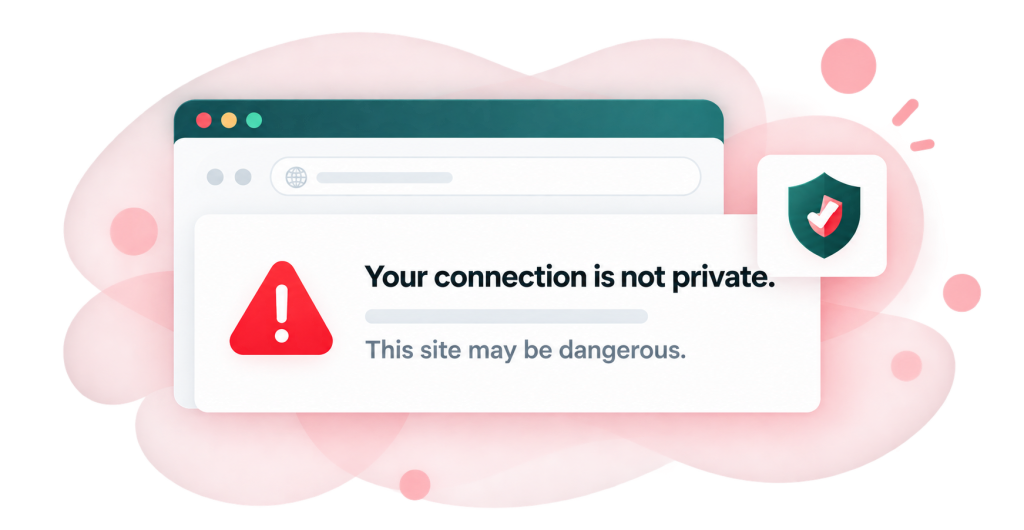
Imagine a potential customer clicks your website.
Instead of seeing your homepage, their browser displays:
Your connection is not private
This site may be dangerous
Most customers won’t investigate.They’ll leave.
SEO ONE helps you find problems before your customers are the ones telling you about them.
Search engines and security services maintain databases of websites that may be associated with malware, phishing, spam, or other suspicious activity.
If your website ends up on a blacklist, it can create serious problems.
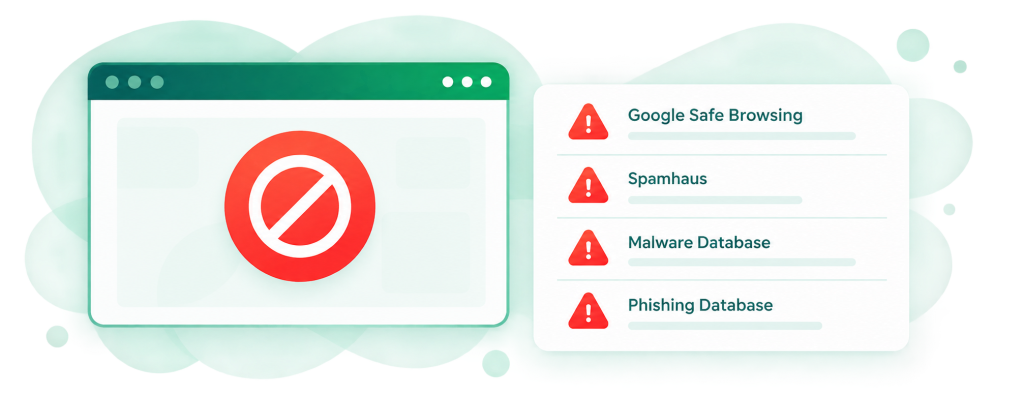
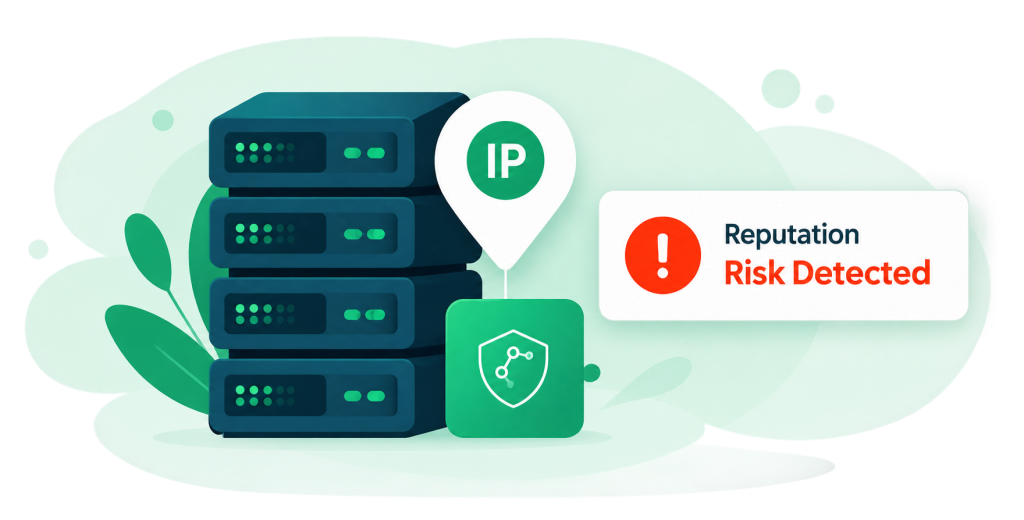
Your website’s IP address can also develop a reputation.
An IP may be associated with:
This can happen even when the website owner isn’t aware of it.
Shared hosting environments can sometimes make reputation issues even more complicated.
If multiple websites share infrastructure, one compromised environment can sometimes create problems for others.That’s why it can be useful to understand whether the IP associated with your website has been flagged.
SEO ONE helps you investigate:

Imagine your company spends years building a reputation. Then your website becomes compromised. A security service flags the domain. Visitors begin seeing warnings. Customers start questioning whether they should use the site.
Many businesses discover security problems only after receiving a warning.
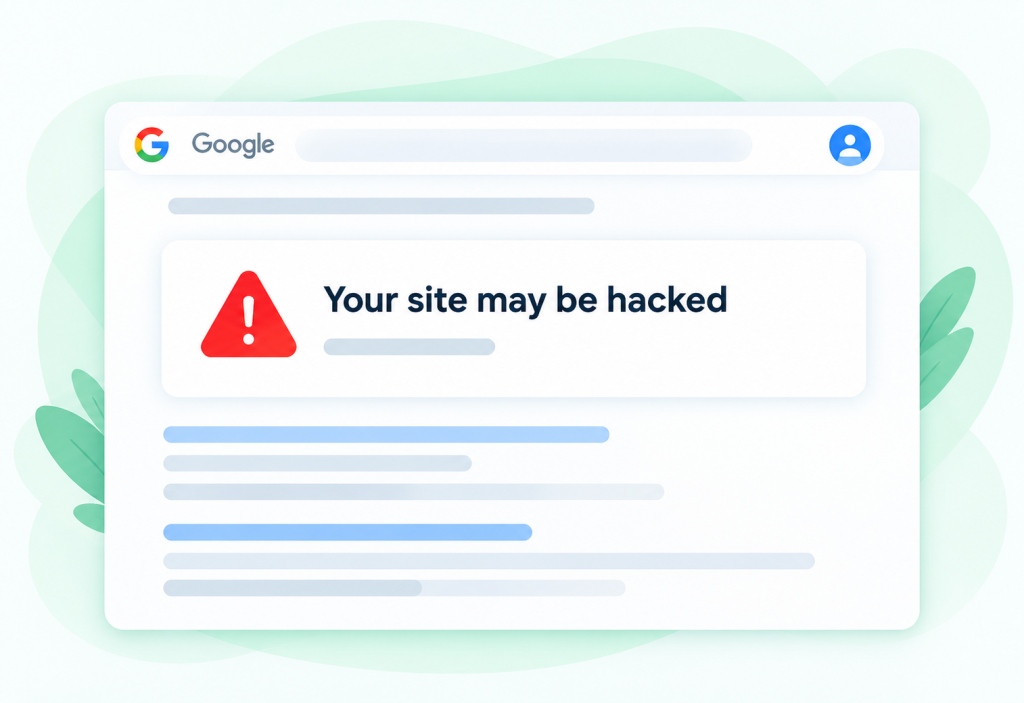
A search result says the site may be hacked.
A browser blocks access.
A customer reports a redirect.
A hosting company suspends the account.
An advertising platform rejects the website.
SEO ONE helps you check proactively.
Security and SEO are more connected than many business owners realize.
A hacked website can result in:
That’s why SEO ONE includes security analysis alongside your broader SEO tools.
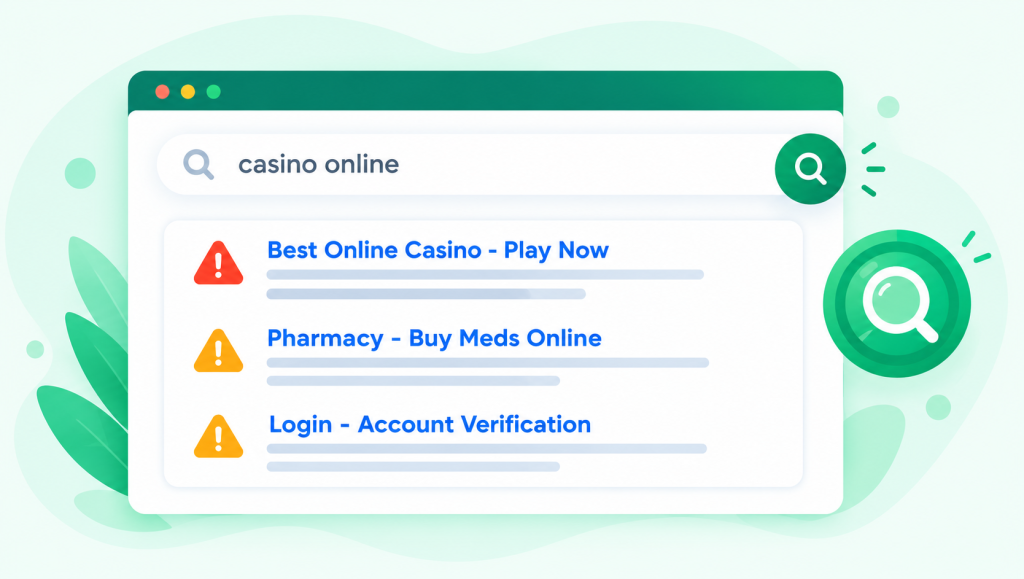
One common sign of a compromised website is strange pages appearing in search.
You may suddenly see:
SEO ONE helps give you more visibility into the health of your website.
If your website is compromised, advertising platforms may reject or suspend campaigns.
Imagine paying for:
only to have visitors sent to a website with security warnings or malicious behavior.
For many companies, the website is responsible for:
That makes website security a business issue. Not just an IT issue.

The worst time to think about website security is after the website has already been compromised.
A better approach is to check regularly.
SEO ONE helps you become more proactive.
Security reports can become technical fast.
For a business owner, that can feel overwhelming. SEO ONE brings the information together so you can see the issues that deserve attention.
Finding a warning is only useful if you understand what it means.
SEO ONE’s Gilbert MX can help make website findings easier to understand and identify areas that may need further investigation.
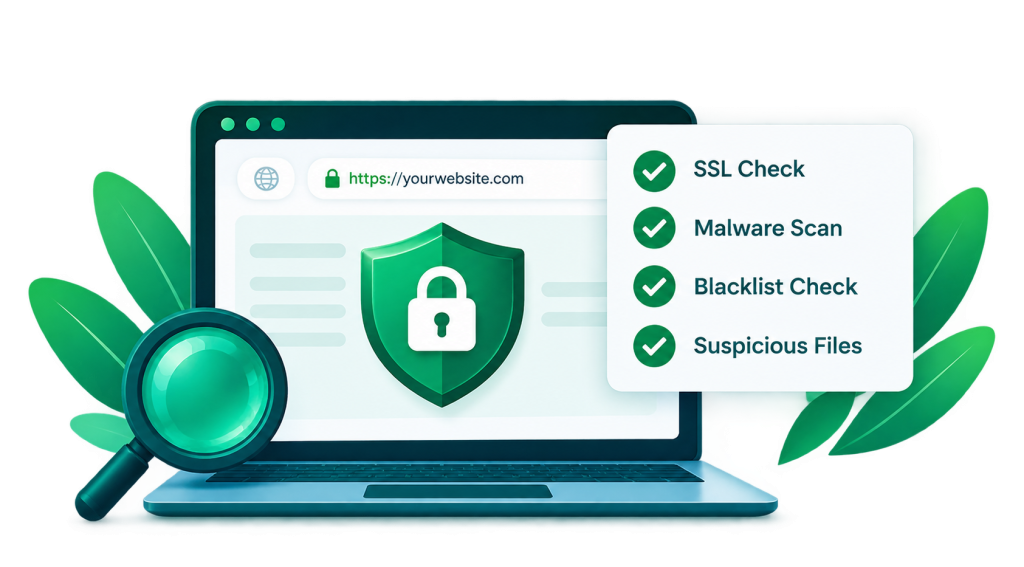
Verify that your website is using a secure connection and identify potential SSL certificate problems.
Look for signs that your website may contain malicious code or compromised content.
See whether your domain appears on known website blacklists.
Review whether the IP address associated with your website has been flagged.
Look for suspicious or potentially malicious files that may deserve investigation.
One security scan gives you a much broader view of your website’s health
Website health involves more than ranking.
A site can rank well and still have:
That doesn’t mean every change is dangerous. It means ongoing awareness matters. SEO ONE gives you another layer of visibility.

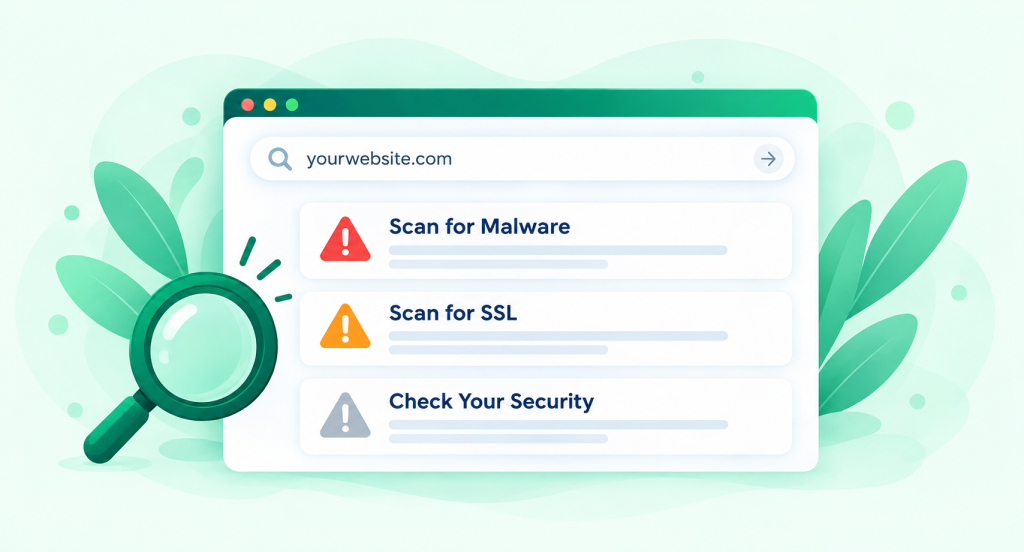
Customers don’t care whether the problem came from: A plugin , a developer , a hosting company , a server , a hacker , or an outdated file.
They simply see:
And they leave.
SEO ONE helps you detect warning signs earlier.
You shouldn’t need to understand malware signatures or server blacklists to know whether your website may have a problem. SEO ONE helps give you a clearer picture.
Protect the website receiving traffic from SEO, advertising, social media, and email campaigns.
Use SEO ONE as another layer of website health checking when reviewing client sites.
Monitor multiple client websites for security issues, SSL problems, malware indicators, and blacklist concerns. Catch problems before clients discover them first.
Check. Scan. Understand. Take Action.
Start with the domain you want to check.
Start with the domain you want to check.
Start with the domain you want to check.
Start with the domain you want to check.
Start with the domain you want to check.
Start with the domain you want to check.
See which areas appear healthy and which deserve attention.
Work with your developer, hosting company, security provider, or IT team to investigate and correct problems.
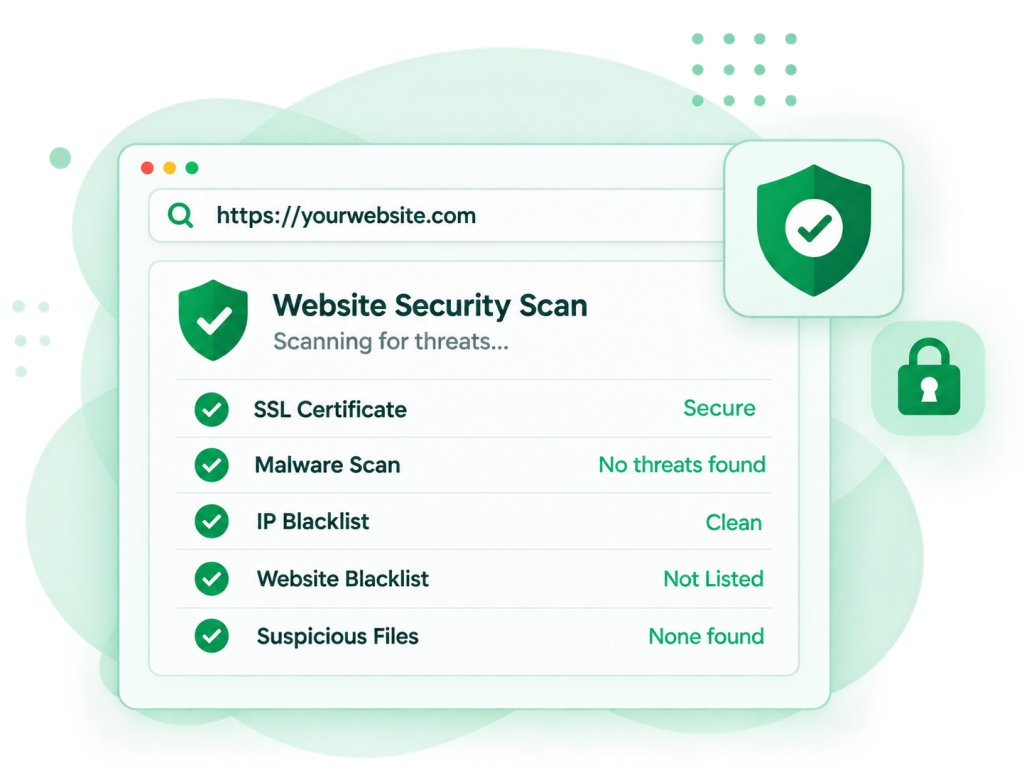
SEO ONE can check areas including:
SSL status , Malware indicators , IP blacklist status , Website blacklist status , And suspicious or potentially malicious files.
A malware scan looks for indicators that a website may contain malicious code, infected files, suspicious behavior, or other signs of compromise.
A website blacklist is a database used by security providers, search engines, browsers, or other services to flag websites associated with malware, phishing, spam, or other suspicious activity.
IP blacklisting occurs when an IP address is flagged because it has been associated with spam, abuse, malware, or other suspicious activity.
SSL helps create an encrypted connection between a website and its visitors. A valid SSL certificate also helps prevent browser security warnings and contributes to customer trust.
SEO ONE includes scanning designed to identify suspicious or potentially malicious files that may deserve further investigation.
Not necessarily. A warning indicates something deserves attention. Additional investigation may be required to determine the cause and severity.
SEO ONE is designed to help identify potential security problems. Actual malware cleanup, file removal, server repair, or website restoration may require a qualified developer, hosting provider, or security professional.
A compromised website can create spam pages, malicious redirects, indexing problems, search warnings, and other issues that can negatively affect search visibility.
They can.
Advertising platforms may restrict or disapprove destinations that appear compromised, unsafe, or malicious.
You can look at the homepage. You can click around. You can assume everything is fine. Or you can check.

Start With SEO ONE
Subscribe for the latest updates, exclusive offers, and industry insights delivered straight to your inbox.
SEOONE is your all-in-one AI-powered tool to audit, optimize, and boost your website’s SEO performance with speed and precision.
© Copyright 2026, SEOONE. All rights are reserved.

